POS Software for Small Businesses: Features, Benefits & Buying Guide
Choosing the right POS software for small businesses can simplify billing, inventory, sales tracking, customer management, and reporting. This guide explains the essential POS features, benefits, costs, and key factors to consider when selecting a point-of-sale system that can support your business as it grows.
Introduction
Running a small business often means managing sales, inventory, customers, payments, employees, and daily reports at the same time.
When these processes are handled manually, even a small increase in sales can create more administrative work. Employees may spend hours creating invoices, updating stock records, checking sales reports, or reconciling transactions.
This is where POS software for small businesses can make a significant difference.
A modern Point of Sale (POS) system does much more than process payments. It can become a central platform for managing sales, inventory, products, customers, employees, and business performance.
For retail stores, restaurants, pharmacies, supermarkets, boutiques, and other businesses, the right POS system can reduce manual work and provide better visibility into daily operations.
In this guide, we'll explain what POS software is, its key features and benefits, how much it can cost, and what small businesses should consider before choosing a system.
What Is POS Software?
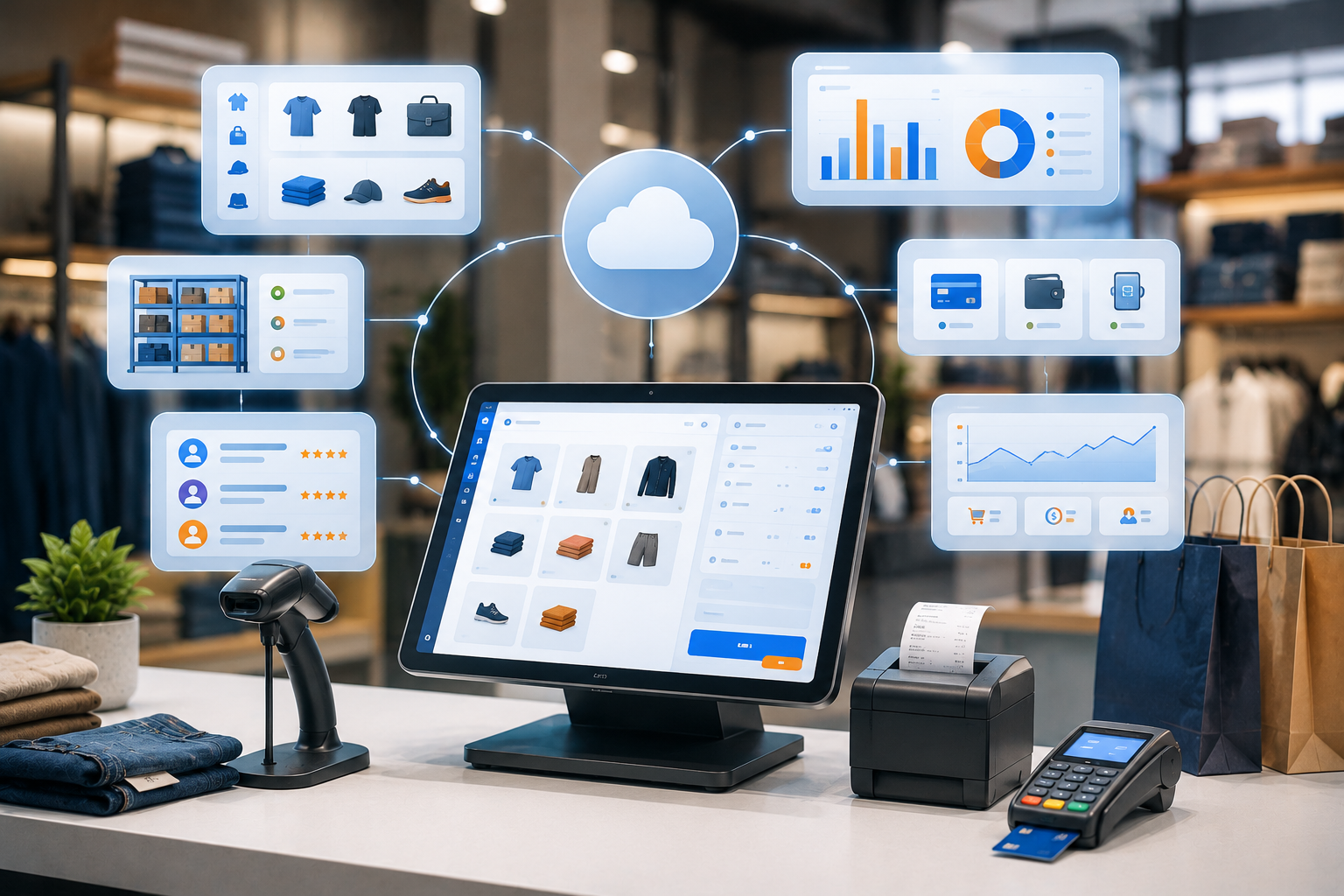
POS stands for Point of Sale.
A POS system is software that helps businesses process sales and manage transactions. Instead of using a basic cash register or manually recording sales, businesses can use POS software to digitally manage the entire checkout process.
A modern POS system can help businesses:
Create invoices
Process payments
Track products
Manage inventory
Monitor sales
Manage customers
Track employees
Generate reports
Manage discounts
Track expenses
Monitor business performance
For many businesses, the POS system becomes one of the most important operational tools.
Why Small Businesses Need POS Software
Small businesses often operate with limited employees and resources.
That makes efficiency especially important.
A good POS system can automate many repetitive activities and reduce the amount of manual work required every day.
Instead of maintaining separate spreadsheets for sales and inventory, businesses can manage important information from one centralized system.
For example:
Customer purchases product
↓
POS records transaction
↓
Inventory automatically updates
↓
Payment is recorded
↓
Customer purchase history is updated
↓
Sales report is generated
This connected workflow saves time and reduces the chance of human error.
Key Features of POS Software for Small Businesses
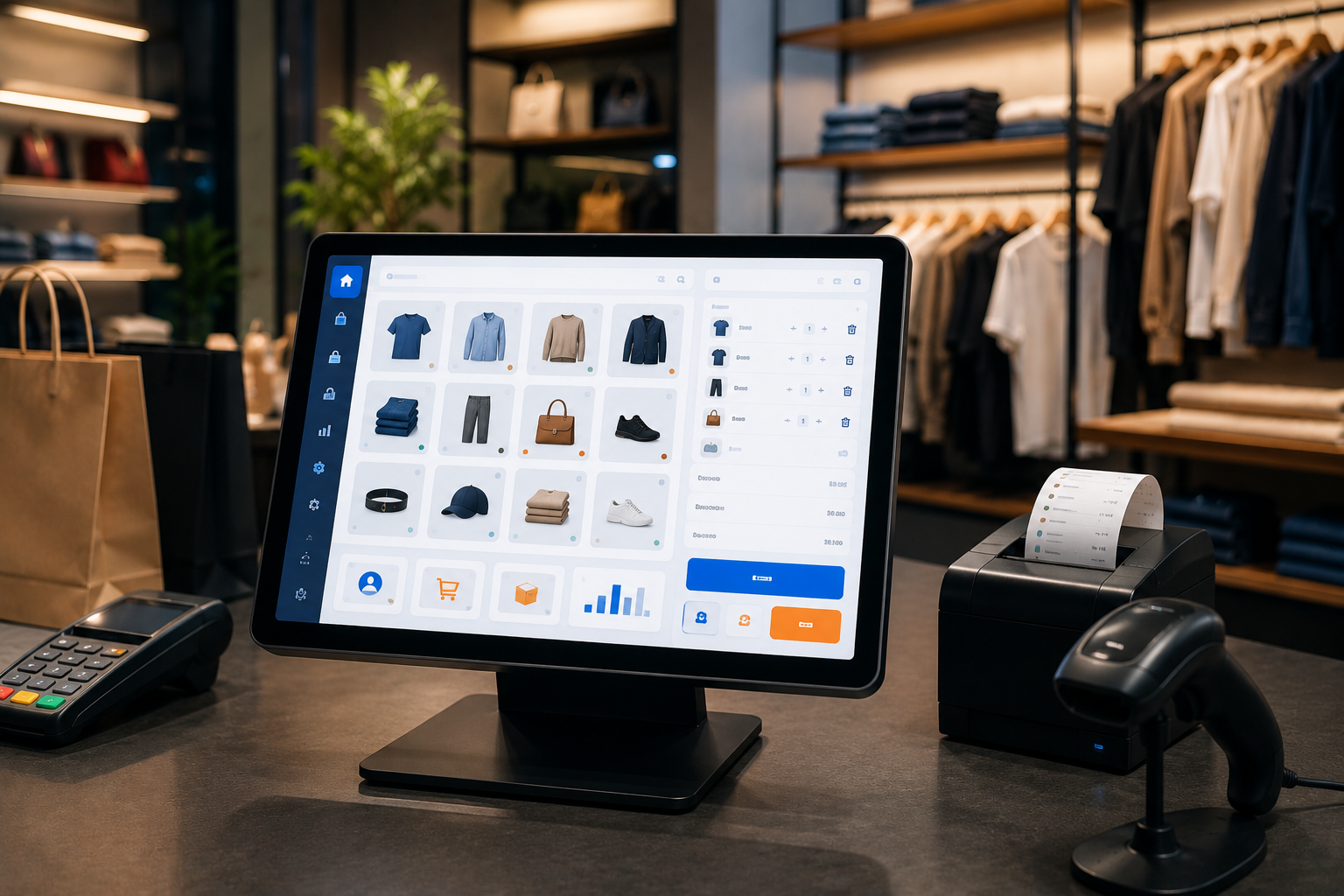
Not every POS system offers the same functionality.
Before purchasing a system, businesses should understand which features they actually need.
1. Sales & Billing Management
The core function of any POS system is processing sales.
A good POS solution should make it easy for employees to:
Add products
Calculate totals
Apply discounts
Generate invoices
Process payments
Issue refunds
Print or send receipts
A fast checkout experience can improve customer satisfaction, especially during busy periods.
2. Inventory Management
Inventory management is one of the most valuable features for retailers.
A POS system can automatically update stock whenever a sale occurs.
Businesses can monitor:
Current stock
Sold products
Low-stock items
Product variations
Purchase orders
Suppliers
Stock adjustments
Low-stock notifications can also help businesses avoid running out of popular products.
3. Product Management
A POS system should make it easy to manage product information.
Depending on the business, products may include:
Name
SKU
Barcode
Price
Cost
Category
Brand
Product image
Stock quantity
Tax
Variants
For stores with hundreds or thousands of products, centralized product management can save significant time.
4. Barcode Scanning
Barcode scanning makes checkout faster and reduces manual product entry.
Employees can scan a product and automatically retrieve its:
Name
Price
SKU
Stock information
This is particularly useful for supermarkets, pharmacies, electronics stores, clothing stores, and other retail businesses.
5. Multiple Payment Methods
Customers expect convenient payment options.
Depending on the market and business model, POS software can support:
Cash
Credit cards
Debit cards
Mobile payments
Bank transfers
Digital wallets
Businesses should select a POS system that supports the payment methods their customers actually use.
6. Customer Management
A modern POS system can also function as a basic customer management platform.
Businesses can store:
Customer names
Phone numbers
Email addresses
Purchase history
Loyalty information
Customer preferences
This information can help businesses provide better service and create targeted marketing campaigns.
7. Sales Reports & Analytics
Business owners need to know what's happening inside their business.
A POS dashboard can provide information such as:
Daily sales
Weekly sales
Monthly revenue
Best-selling products
Slow-moving products
Profit estimates
Payment methods
Employee performance
These insights can help business owners make better decisions.
8. Employee Management
Some POS systems include employee management functionality.
Businesses can use it to manage:
Employee accounts
Roles
Permissions
Login activity
Sales performance
Shift information
Role-based permissions can prevent employees from accessing sensitive administrative functions.
9. Discounts & Promotions
Businesses frequently run promotions to attract customers.
POS software can help manage:
Percentage discounts
Fixed discounts
Promotional pricing
Coupons
Seasonal offers
Customer-specific offers
Automating these calculations reduces mistakes at checkout.
10. Returns & Refunds
Handling returns manually can become complicated.
A POS system can connect refunds with the original transaction and automatically update inventory where appropriate.
This creates a more organized return process.
Benefits of POS Software for Small Businesses
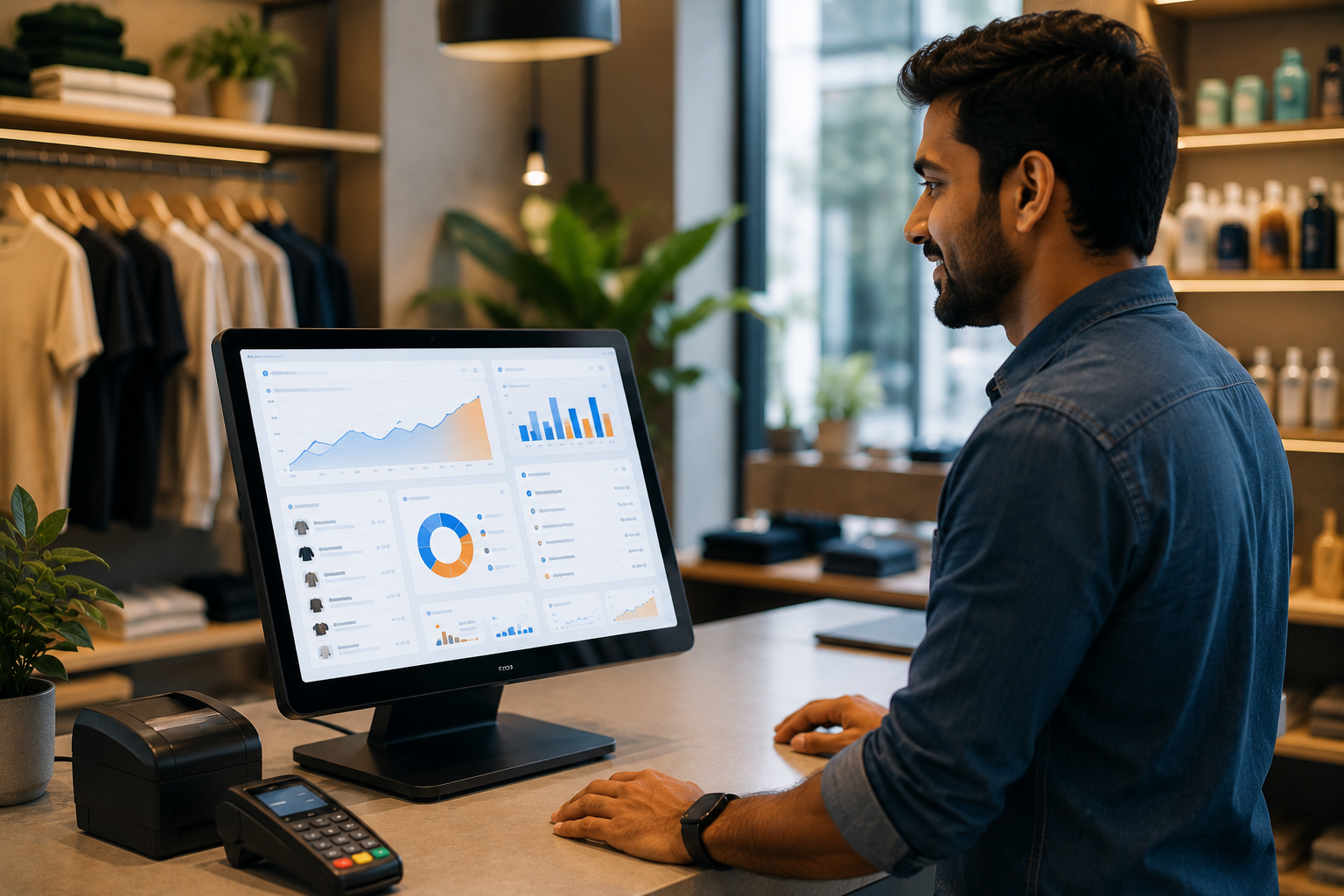
Faster Checkout
A well-designed POS system allows employees to process transactions quickly.
Faster checkout means:
Shorter queues
Better customer experience
More transactions during busy periods
Reduced Human Error
Manual calculations and handwritten records can lead to mistakes.
Automated calculations reduce errors in:
Prices
Discounts
Taxes
Inventory
Sales reports
Better Inventory Control
Business owners can see what is selling and what is sitting in storage.
This can help them make better purchasing decisions.
Centralized Business Data
Instead of maintaining separate spreadsheets, businesses can manage important information in one system.
This provides a clearer view of overall business performance.
Improved Customer Experience
A faster and more organized checkout process creates a better experience for customers.
Customer purchase history can also help businesses provide more personalized service.
Better Business Decisions
Real-time sales information allows owners to make decisions based on actual data rather than assumptions.
For example:
If a product sells significantly better than others, the business can increase inventory.
If another product consistently performs poorly, the business can reconsider its pricing or purchasing strategy.
Who Should Use POS Software?
POS systems can benefit many types of small businesses.
Retail Stores
Useful for:
Clothing stores
Grocery stores
Electronics shops
Furniture stores
Cosmetics stores
Convenience stores
Restaurants & Cafes
Restaurant POS systems can manage:
Orders
Tables
Menu items
Kitchen workflows
Payments
Discounts
Pharmacies
POS solutions can help manage:
Product sales
Inventory
Expiry information
Customer transactions
Salons & Beauty Businesses
Businesses can manage:
Services
Appointments
Payments
Customer records
Employee commissions
Small Wholesalers
POS and inventory functionality can help wholesalers manage:
Products
Customers
Orders
Pricing
Stock
Cloud POS vs On-Premise POS
One important decision is whether to use a cloud-based POS system or an on-premise solution.
Cloud-Based POS
Cloud POS software stores business data using cloud infrastructure and can generally be accessed from supported devices with an internet connection.
Advantages
Access from multiple locations
Easier updates
Centralized data
Easier backups
Remote reporting
Easier multi-branch management
On-Premise POS
On-premise systems are installed and operated within the business's local infrastructure.
Advantages
Greater local control
Can continue operating within a local network
May work well for businesses with specific infrastructure requirements
The right choice depends on your business size, connectivity, security requirements, and operational model.
How Much Does POS Software Cost?
The cost of POS software varies significantly.
Pricing may depend on:
Number of users
Number of branches
Hardware requirements
Inventory features
Payment integrations
Accounting integrations
Customer management
Reporting
Customization
Cloud infrastructure
Ongoing support
A basic POS system may be affordable for a small store, while a customized multi-branch POS platform can require a significantly larger investment.
Instead of choosing a POS system based only on the lowest price, businesses should consider the total cost of ownership and long-term business value.
Ready-Made POS Software vs Custom POS Software
This is one of the most important decisions for a growing business.
Ready-Made POS Software
Ready-made systems are designed to serve a broad range of businesses.
Advantages
Faster setup
Lower initial investment
Existing features
Established workflows
Limitations
Limited customization
May include unnecessary features
Integration restrictions
Vendor dependency
Recurring subscription fees may apply
Custom POS Software
Custom POS software is developed specifically around a company's workflow.
Advantages
Custom business rules
Personalized interface
Custom reporting
Flexible integrations
Multi-branch support
Industry-specific features
Greater control over future development
For businesses with unique requirements, custom POS software can provide a stronger long-term solution.
When Should a Business Choose Custom POS Software?
Custom development may make sense when:
Existing POS systems don't fit your workflow.
You need custom reports.
You operate multiple branches.
You need integration with existing software.
You have unique pricing rules.
You need industry-specific functionality.
You want complete control over your platform.
Your business is planning to scale.
For example, a retail company may need a POS system connected to its inventory, accounting, e-commerce store, loyalty program, and delivery platform.
A generic POS system may not support all of these requirements efficiently.
POS Software for Multiple Branches
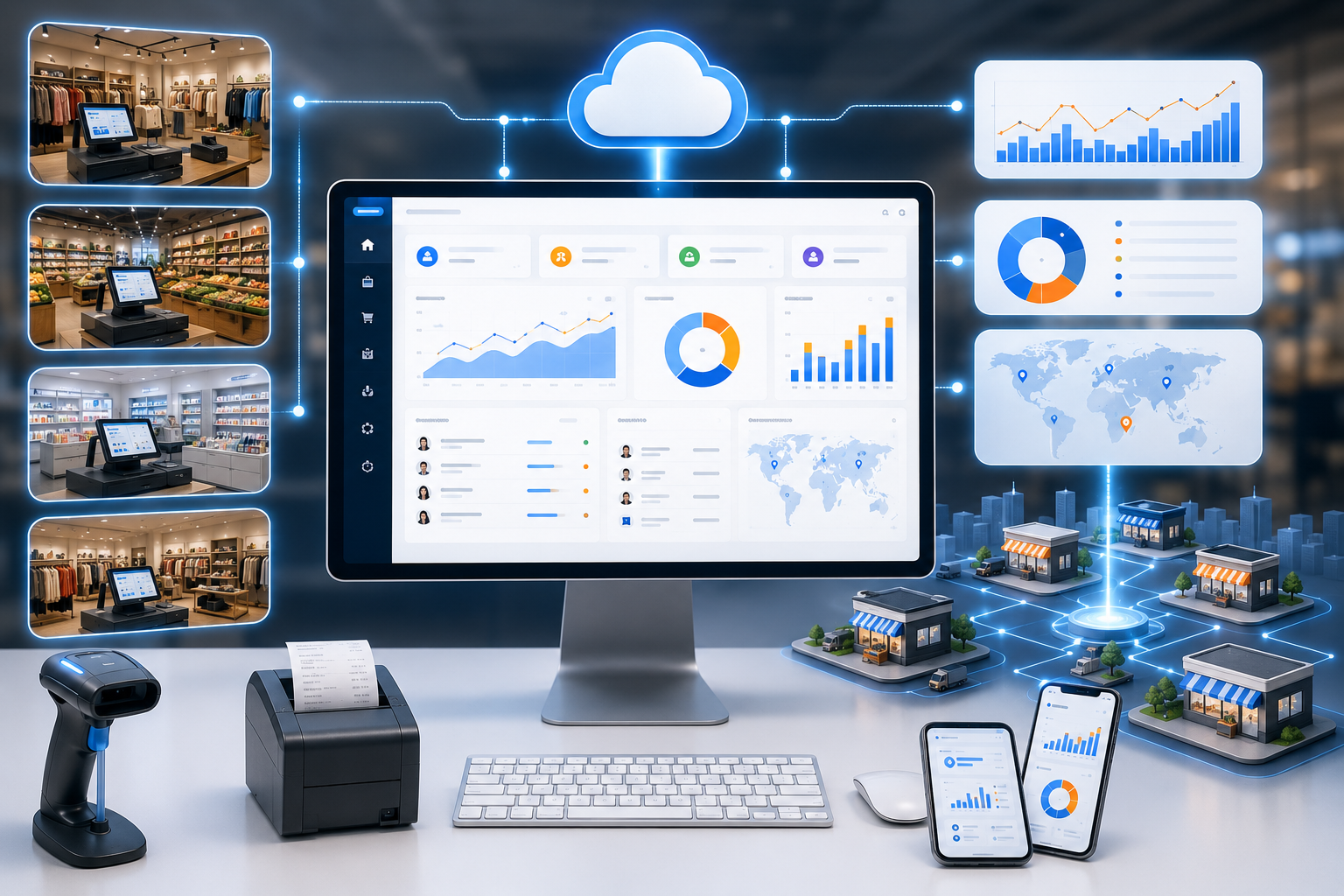
Growing businesses often need to manage multiple locations.
A multi-branch POS system can allow business owners to monitor:
Branch sales
Inventory
Employees
Products
Revenue
Transfers
Customer activity
from a centralized dashboard.
This is particularly useful for businesses planning expansion.
POS Software Integrations
A POS system becomes more powerful when it connects with other business systems.
Common integrations include:
E-commerce platforms
Accounting software
Payment gateways
CRM systems
Inventory platforms
Customer loyalty systems
SMS platforms
Email marketing tools
Delivery systems
API integrations can help these systems communicate automatically.
Security Considerations for POS Systems
POS systems handle important business and customer information, so security should not be overlooked.
Businesses should consider:
Secure authentication
Role-based access
Encrypted communication
Regular backups
Activity logs
Secure payment processing
Software updates
Access control
Employees should only have access to the functionality they need.
How to Choose the Right POS Software
Before choosing a system, ask the following questions.
Does it support my business type?
A restaurant has different requirements from a clothing store.
Can it manage inventory?
If inventory is important to your business, this should be a core requirement.
Does it support my payment methods?
Check compatibility before committing.
Can it integrate with my existing software?
Integration can prevent duplicate data entry.
Can it support future growth?
Your POS system shouldn't become a limitation when your business expands.
Does it provide useful reports?
Good reporting is essential for informed decision-making.
Is technical support available?
Reliable support can be extremely valuable when the system is critical to daily operations.
Why Choose Codex Devware for Custom POS Software?

At Codex Devware, we build custom POS solutions designed around the specific needs of growing businesses.
Our POS development solutions can include:
Sales & Billing
Inventory Management
Barcode Scanning
Customer Management
Employee Management
Multi-Branch Management
Product Management
Discount Management
Reports & Analytics
Payment Integration
Accounting Integration
E-commerce Integration
Role-Based Access
Cloud Deployment
Instead of forcing your business to change its workflow to match generic software, we can build the software around your workflow and business requirements.
Frequently Asked Questions
What is POS software for small businesses?
POS software helps small businesses manage sales, billing, payments, inventory, customers, employees, and business reports from a centralized system.
Is POS software useful for small retail stores?
Yes. Retail businesses can use POS software to speed up checkout, track inventory, manage products, and monitor sales performance.
Can POS software manage inventory?
Yes. Many modern POS systems automatically update inventory when products are sold and provide stock reports and low-stock alerts.
Can POS software support multiple branches?
Yes. Multi-branch POS systems can centralize sales, inventory, employee, and reporting data across multiple locations.
Should I buy ready-made POS software or build custom POS software?
It depends on your requirements. Ready-made software can work well for standard needs, while custom POS software is more suitable when your business requires unique workflows, integrations, reports, or industry-specific features.
Can a POS system connect with an ecommerce website?
Yes. With the right integration, POS and ecommerce systems can synchronize products, inventory, orders, and customer information.
Conclusion
The right POS software for small businesses can do much more than process transactions.
It can become the operational center of your business—connecting sales, inventory, customers, employees, payments, reporting, and other business systems.
For a small business, the most important consideration isn't simply finding the cheapest POS system. It's finding a solution that solves today's problems while providing enough flexibility for tomorrow's growth.
If your business has unique requirements that existing POS products can't handle, custom POS software development may be the better option.
Codex Devware can help you design and develop a POS solution tailored to your business workflow, industry, integrations, and growth plans.
Ready to build a POS system for your business? Contact Codex Devware to discuss your requirements.